See the whole night
Follow sunset through sunrise on the Sky Canvas. Pinch between one detailed night and a calendar of nights, then tap a date to explore its sky.
iPhone & Apple Watch · In beta
Set up for a whole night under the stars. AstroGauge brings darkness, moonlight and the Milky Way’s direction together, so you can plan a night timelapse from your phone or wrist. Currently in beta testing.
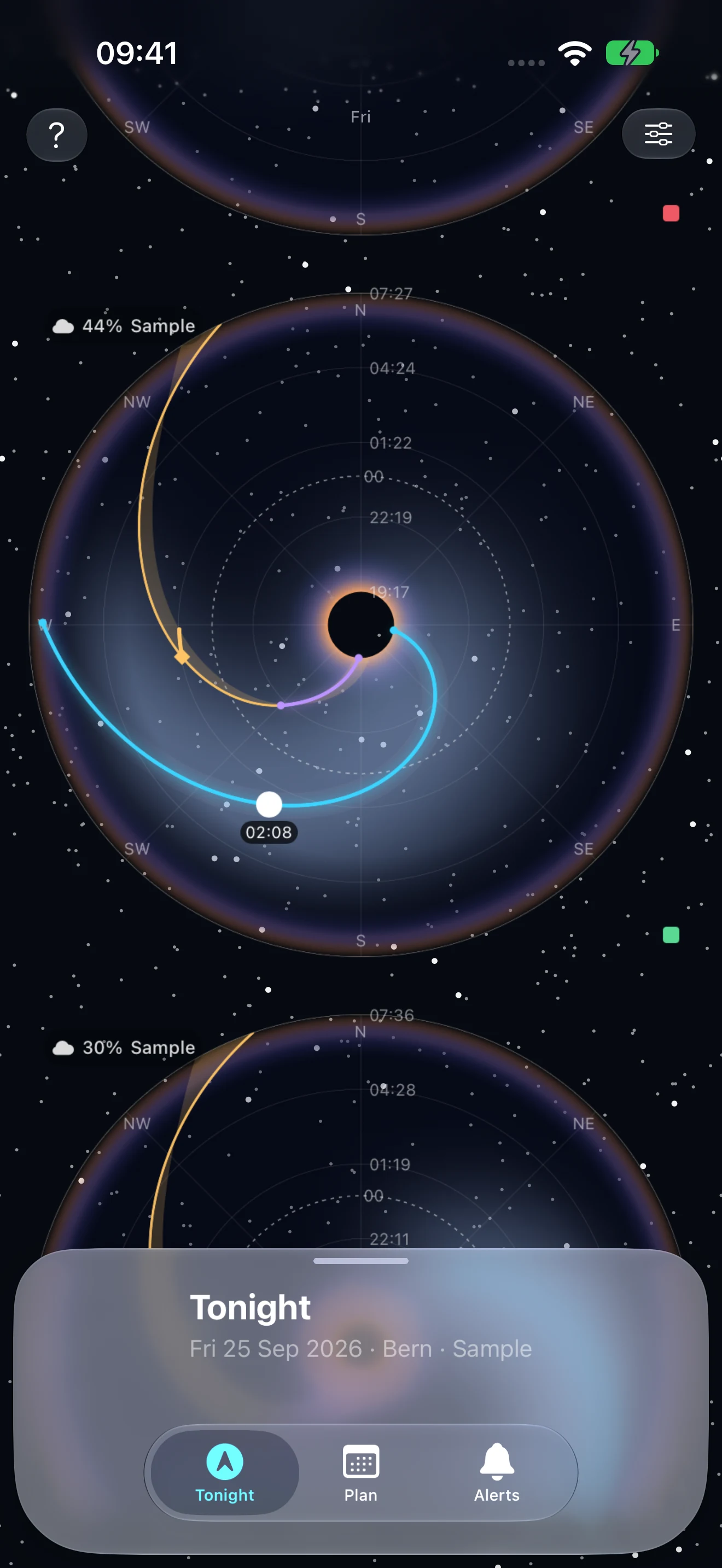
Follow sunset through sunrise on the Sky Canvas. Pinch between one detailed night and a calendar of nights, then tap a date to explore its sky.
See the Moon’s phase, position and path alongside astronomical darkness. Your night at a glance brings darkness, moonlight, cloud cover and Milky Way visibility into one view.
Set the Moon, darkness, Milky Way and cloud conditions you want. Compare nights by their conditions match and inspect when each condition is in range.
Use full-circle, half-circle or graph widgets on your watch face and in the Smart Stack. The Watch app adds a compass control, a tappable date and detailed sky information.
Start with a preset or customize each widget’s axes, time window, paths, markers and centre. Switch between a polar sky and a Cartesian graph to read the same night your way.
Sun, Moon and Milky Way positions are calculated on your device using your current or last saved location. The Watch can calculate its own sky without a live connection to your iPhone.
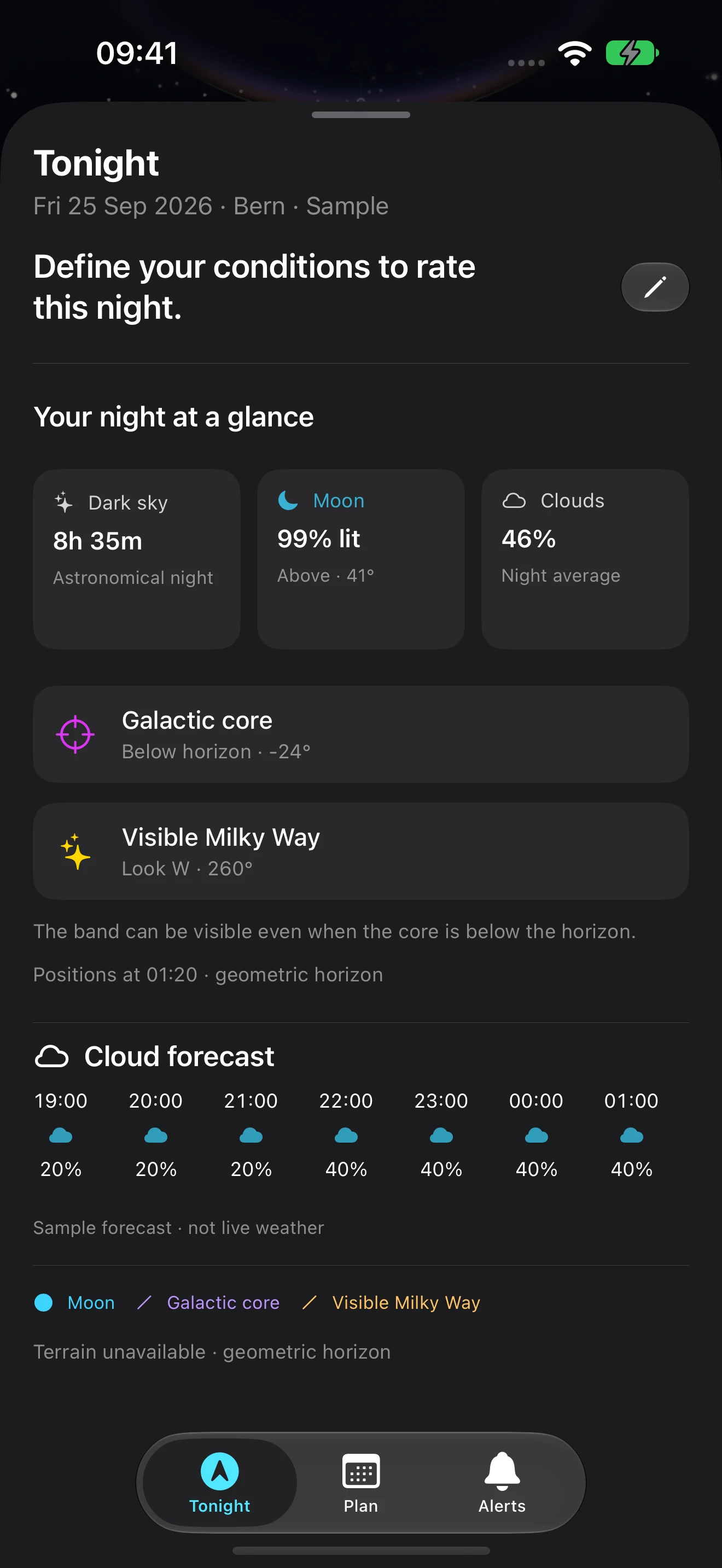
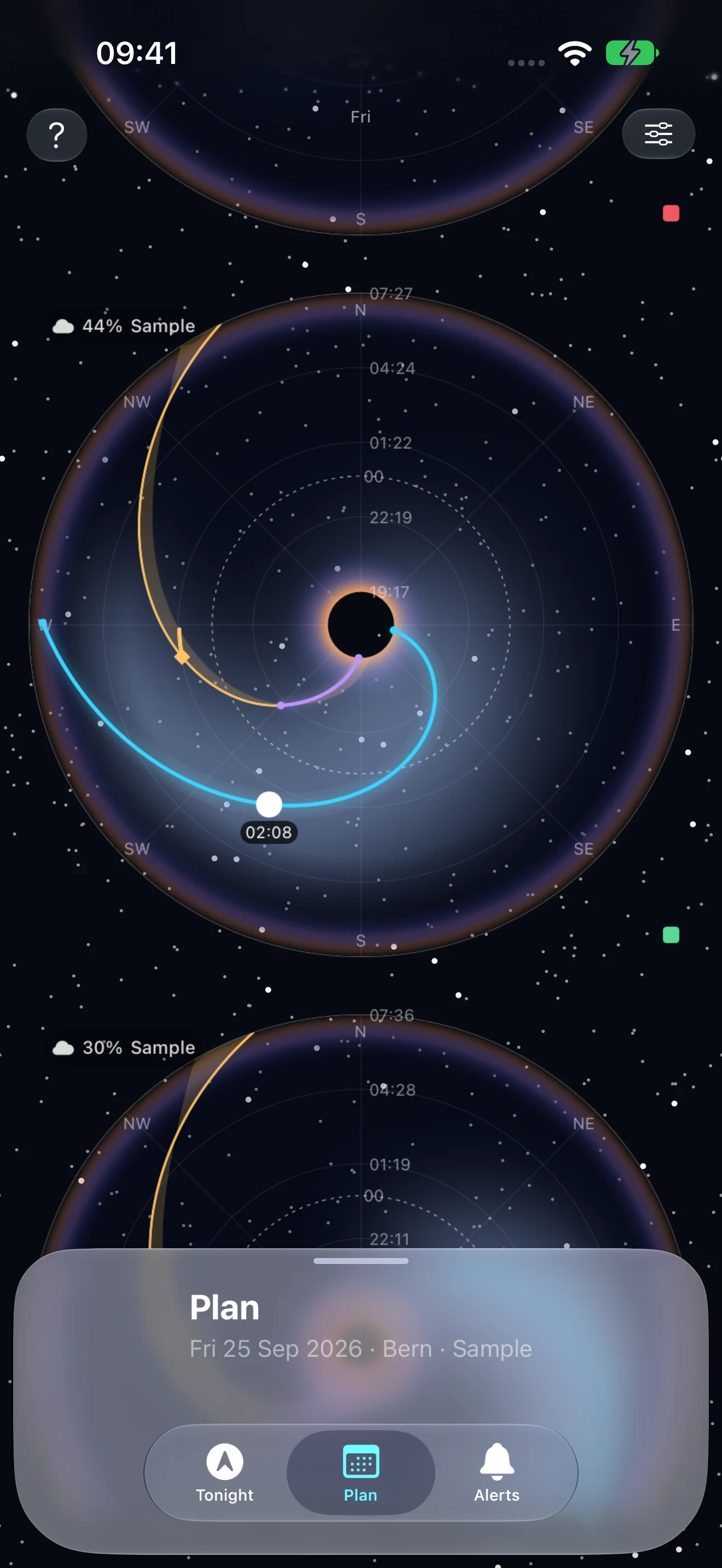
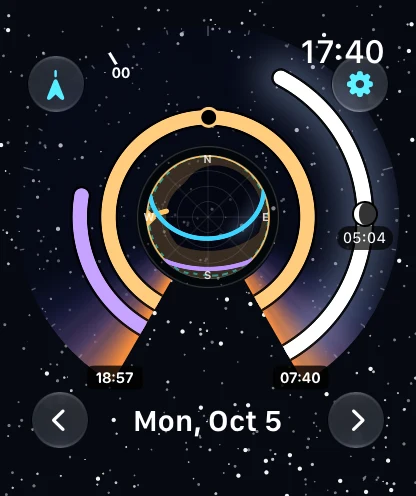
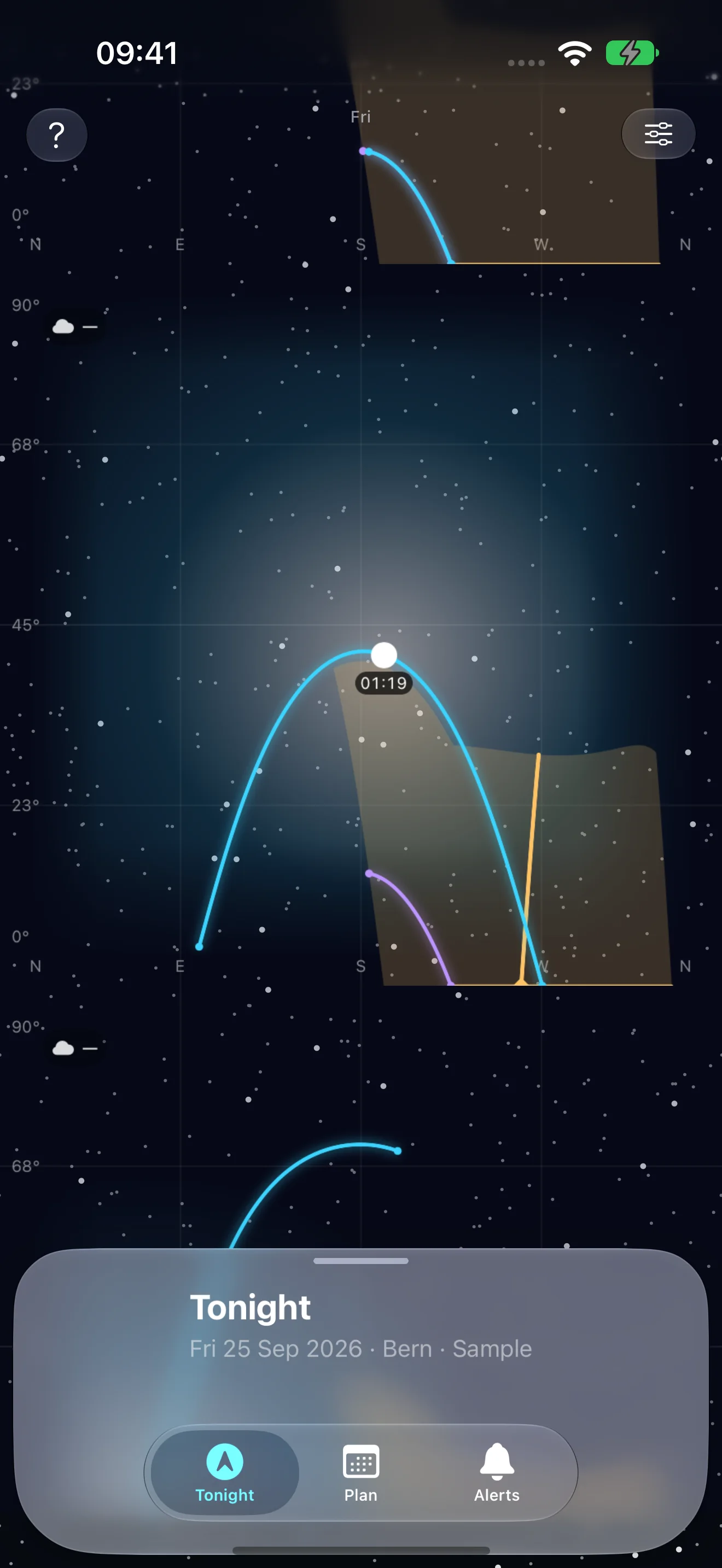
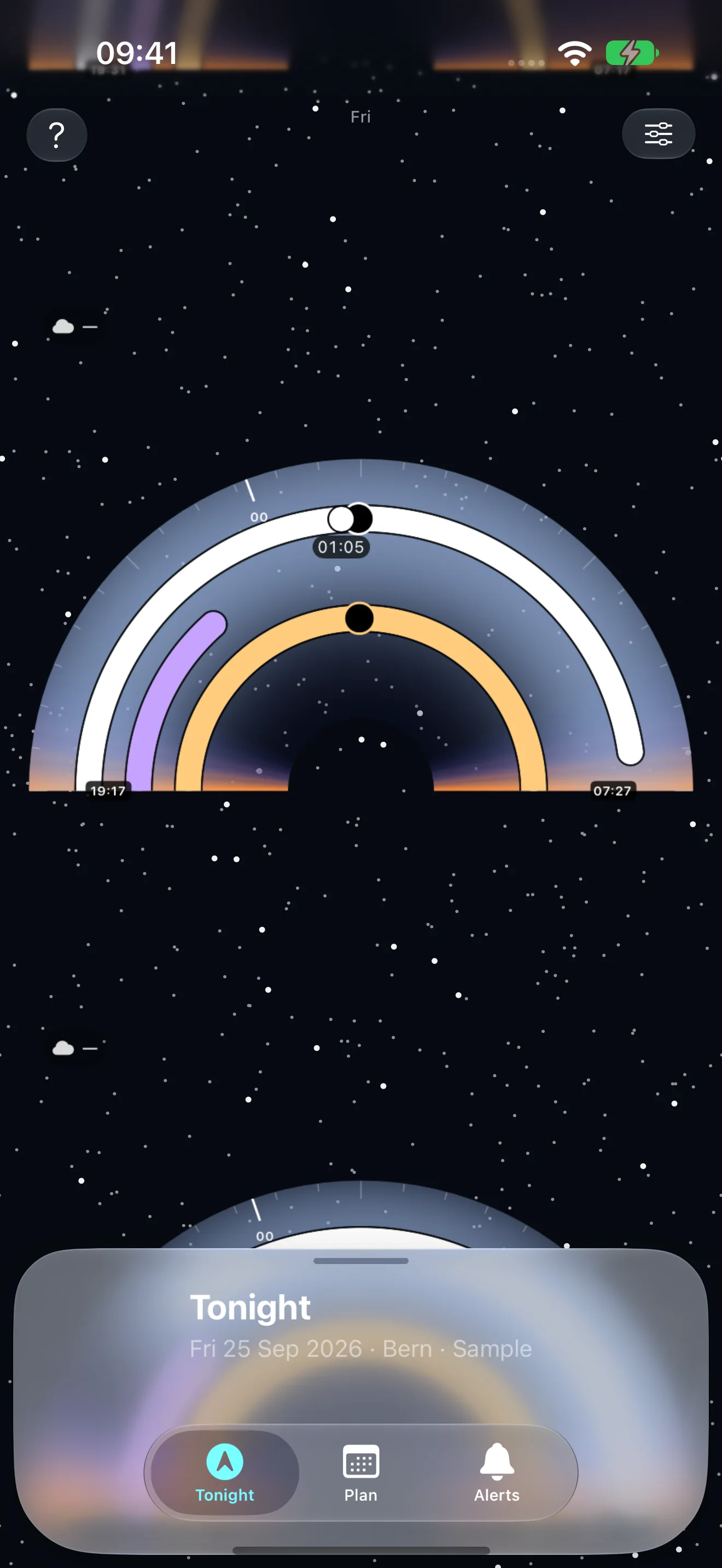
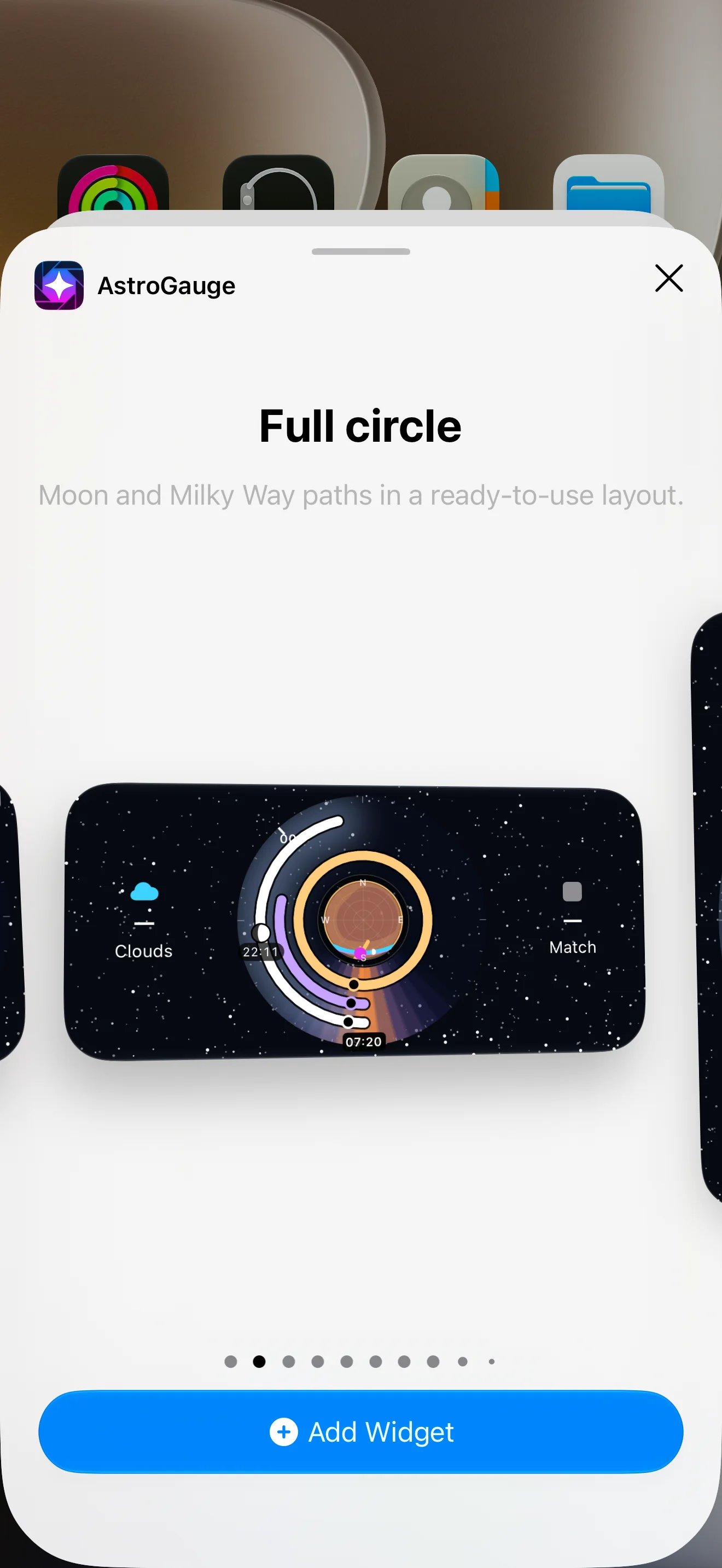
Screenshots from the current beta, using the labelled Bern sample and simulated cloud forecast. The widget gallery shows sample astronomy with cloud and match values unknown. Live cloud forecasts use Apple Weather when available. Astronomy works offline; moonlight glow illustrates brightness rather than measuring it.