Start with your footage
Bring in a folder from Finder or start from a Final Cut Pro library. Browse clips as filmstrips and preview the footage as you work.

Mac
Long recordings often contain only a few moments you want to keep. QuickTrim gives those moments room to stand on their own, with a native Mac workspace for browsing footage and choosing your ranges.
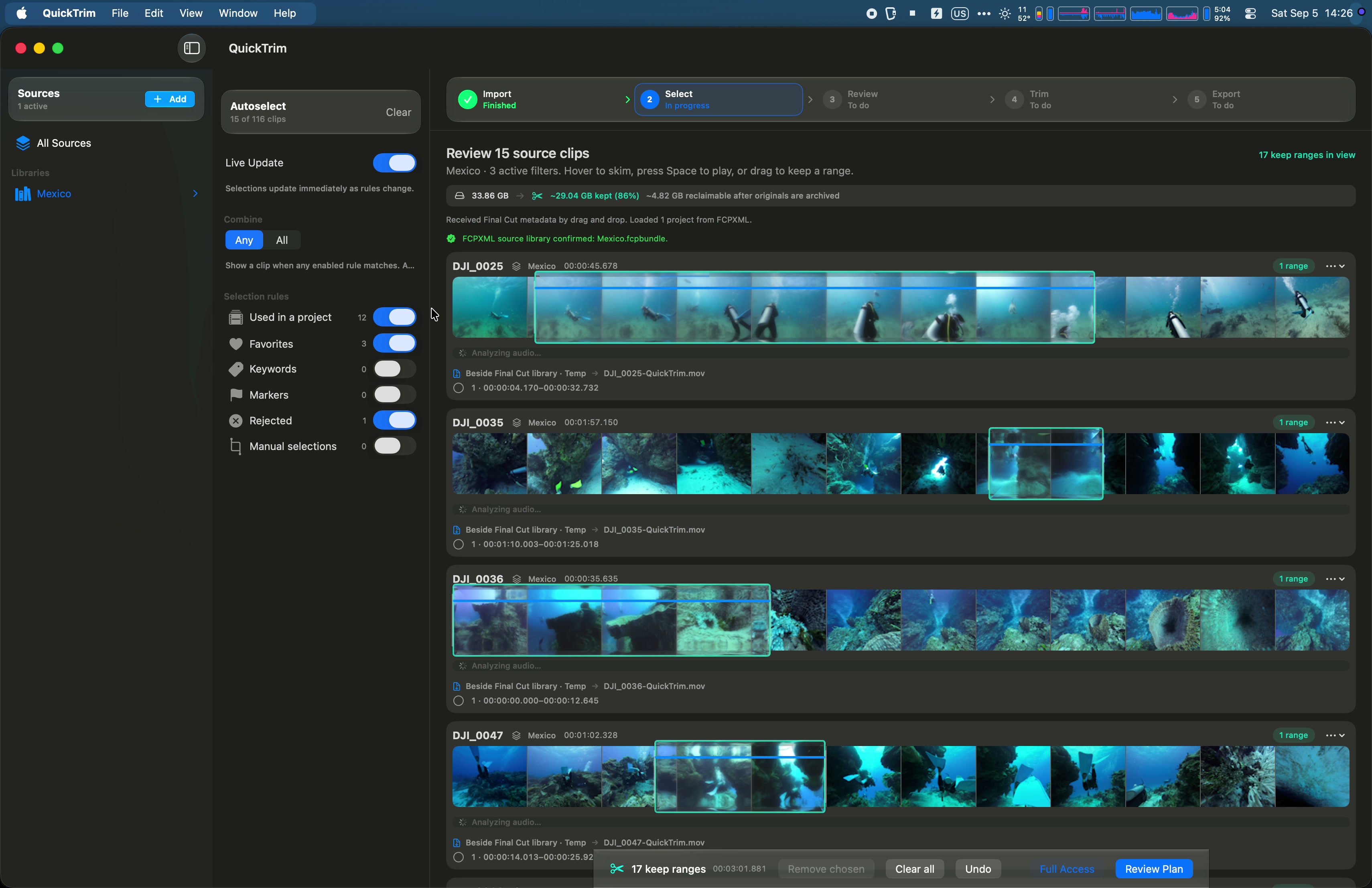
Bring in a folder from Finder or start from a Final Cut Pro library. Browse clips as filmstrips and preview the footage as you work.
Skim a clip and draw the ranges you want to keep. Review the selection before trimming.
QuickTrim supports pass-through trimming for compatible media and a Final Cut Pro workflow through FCPXML. Verify the output before removing originals to reclaim storage.
See it in motion
 0:40
0:40Landscape · 40 seconds
Watch QuickTrim import a Final Cut Pro library and a Finder folder, select video ranges, and demonstrate a separate verified export. The 40-second landscape film uses real app recordings.
Watch film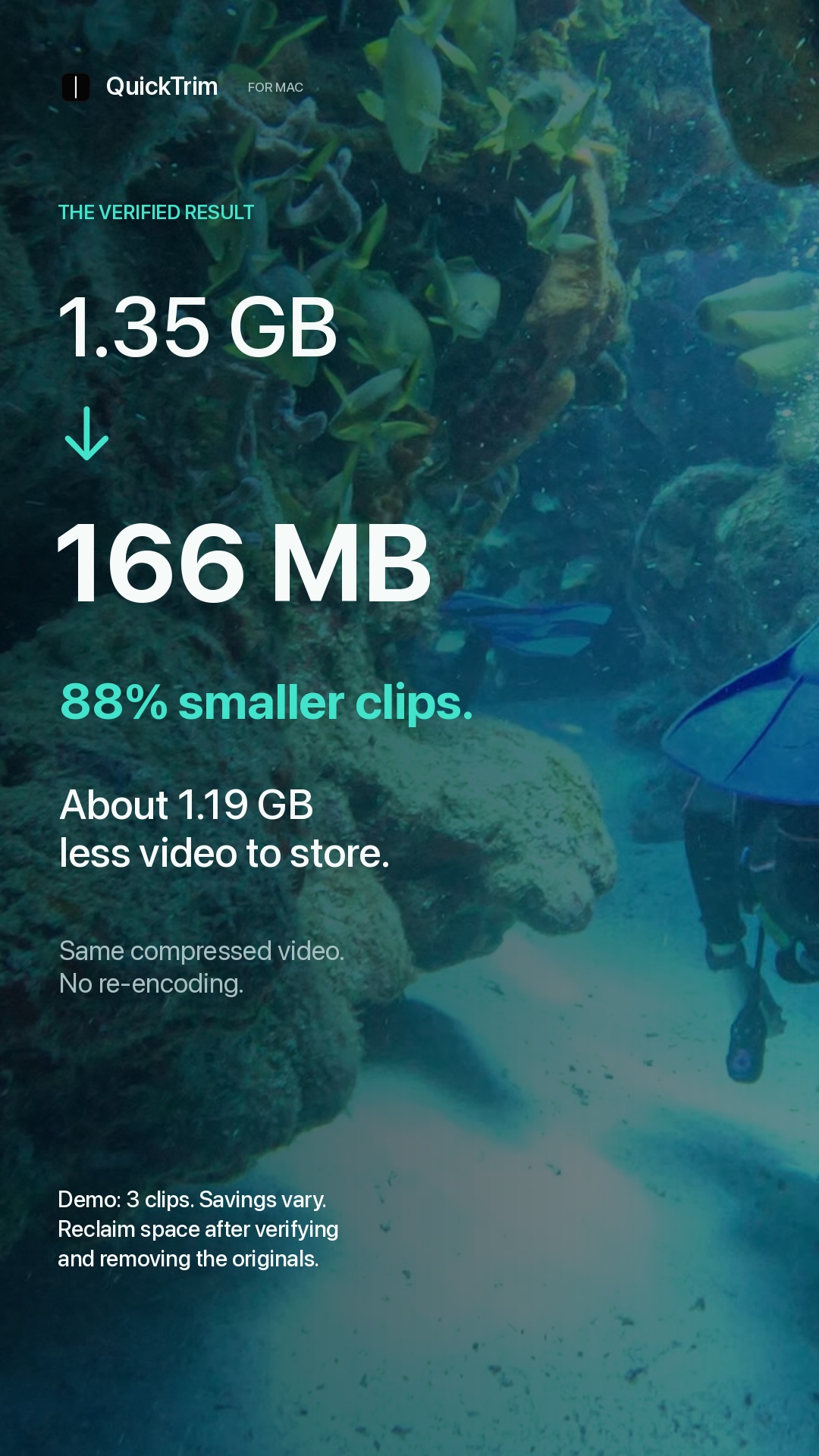 0:40
0:40Vertical · 40 seconds
Watch the portrait version of QuickTrim’s 40-second workflow film, with close-ups of real filmstrip selections, library and folder imports, and a separate verified export demonstration.
Watch film